Compare with 1 courses
KICADCORE 1

KICADCORE 1

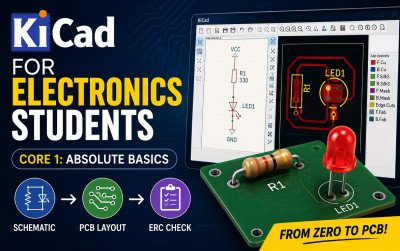
KiCad for Electronics Students – Core 1: Absolute Basics is a beginner-friendly guide that teaches students how to design electronic circuits and PCB layouts using KiCad. It explains every concept with simple language and step-by-step instructions, making it ideal for anyone starting PCB design.

Has discount
Expiry period Lifetime
Made in English
Last updated at Tue Jul 2026
Level
Beginner
Total lectures 0
Total quizzes 0
Total duration 0 Hours
Total enrolment 0
Number of reviews 0
Avg rating
Short description KiCad for Electronics Students – Core 1: Absolute Basics is a beginner-friendly guide that teaches students how to design electronic circuits and PCB layouts using KiCad. It explains every concept with simple language and step-by-step instructions, making it ideal for anyone starting PCB design.
Outcomes
  • Understand the complete PCB design workflow.
  • Create and manage KiCad projects.
  • Design professional electronic schematics.
  • Add symbols, wires, power symbols, and net labels.
  • Annotate schematics and perform Electrical Rules Check (ERC).
  • Assign footprints to schematic symbols.
  • Create PCB layouts from schematics.
  • Place and arrange PCB components correctly.
  • Route copper tracks between components.
  • Perform Design Rules Check (DRC) to identify layout errors.
  • Visualize your PCB in 3D.
  • Design simple PCBs ready for manufacturing.
  • * Build confidence to continue with advanced KiCad PCB design projects.
Requirements
  • A Windows, macOS, or Linux computer.
  • * Internet connection to download KiCad.
  • At least 4 GB of available storage
  • A mouse with a scroll wheel (recommended).
  • Basic computer operating skills.
  • Interest in electronics and PCB design.
  • No previous PCB design experience required